Deep Space
Illustrative preview
Remove Gemini Watermark from images and Veo videos in your browser. Start without signing in, while your files stay on your device during processing.


JPG, PNG, or WebP · Remove the visible Gemini watermark in your browser · Up to 20 MB per image file
Batch processing and ZIP download require Pro.
Remove the visible Gemini watermark from a PNG, JPG, or WebP image. Clean up your image in seconds, right in your browser.
These illustrative previews show the target corner overlay and the clean comparison state. Use the live tool above to verify your own file.

A visible Gemini watermark makes an otherwise polished image or video look unfinished and unprofessional. It immediately signals AI generation and pulls attention away from your subject, brand, or message. Remove the mark to present a cleaner final asset in a thumbnail, presentation, product image, ad, or social post.
A visible Gemini watermark can make your work look like an untouched AI export. Remove the mark before presenting a creative to customers, clients, or an audience.
Use the cleaned version when the asset needs to feel ready for a slide, product page, thumbnail, ad, or social post.
The Gemini mark announces AI generation before viewers see your message. A clean corner keeps attention on the subject, headline, product detail, or brand.
Use the full composition without letting a platform mark compete with the layout.
Gemini Watermark Remover targets the four-pointed Gemini sparkle in the expected bottom-right corner of supported images and videos.
The workflow is designed for the visible Gemini mark, not every logo, text overlay, or invisible provenance signal.
A visible Gemini watermark makes a finished image or video look like an unedited AI export. Gemini Watermark Remover targets the four-pointed corner mark in PNG, JPG, WebP, MP4, WebM, and MOV files, preserving the full frame so your content can lead the final layout.
This Gemini AI watermark remover targets the four-pointed Gemini star in the bottom-right corner. Remove the logo without cropping the full image or painting over the rest of the canvas.
The rest of the image remains outside the target area. The same corner removal is applied to MP4, WebM, or MOV Veo video frames.
The cleaner shows the original and cleaned result side by side so you can confirm that the visible Gemini mark no longer competes with your design.
For images, the source dimensions are kept during processing. For videos, the visible mark is handled across the clip and the exported file attempts to retain the source audio track.
Check the corner, nearby texture, and final crop before publishing the cleaned asset.
Choose the right mode, upload your Gemini image or Veo video, and review the cleaned result before downloading:
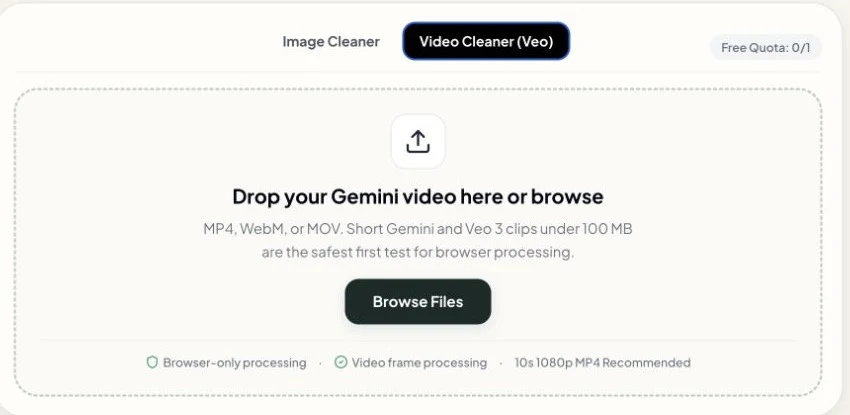
Select Image Cleaner for a PNG, JPG, JPEG, or WebP file, or Video Cleaner (Veo) for an MP4, WebM, or MOV clip.
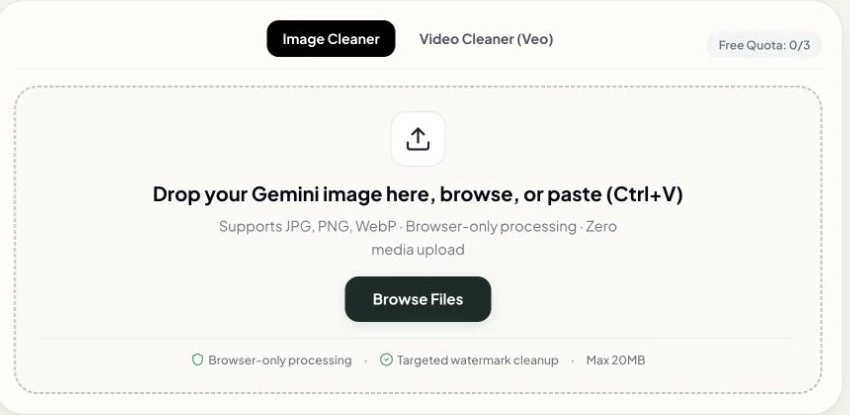
Add a PNG, JPG, JPEG, or WebP image, or an MP4, WebM, or MOV video. Drag a file into the tool, browse your device, or paste a copied image with Ctrl+V or Cmd+V.
Original files downloaded from Gemini or Veo usually give the best result.

The tool automatically removes the visible Gemini watermark from the corner. Compare the original and cleaned preview, then click Download to save the result to your device.
Source dimensions are kept during image processing; exported file properties can vary by format and browser.
Use video mode to remove the visible Gemini watermark from MP4, WebM, or MOV clips created with Google Veo. Processing runs in your browser, and the export attempts to keep the source audio track.
Add an MP4, WebM, or MOV clip with a visible Gemini or Veo corner watermark.
Shorter clips are easier to process in a browser.
The video stays on your device while the cleaner removes the visible corner watermark.
Your media file is not uploaded for local cleaning.
The export attempts to keep the original soundtrack, dialogue, and background music with the cleaned video.
Review the cleaned video, then download the MP4 result when the watermark removal is ready.
Download the image or video from Gemini, Veo, or another Google AI tool first. Then upload the file here to remove the visible Gemini logo from the corner.
Upload a PNG, JPG, or WebP image downloaded directly from Gemini to remove the visible four-pointed star.
Original downloads usually give the best starting point.
If the downloaded image contains the same visible Gemini corner logo, upload the PNG, JPG, or WebP file here.
Use the before-and-after preview to check the result.
Switch to video mode for a short MP4, WebM, or MOV clip with the visible Gemini corner watermark.
The video watermark area is processed across the clip in your browser.
Download the source image or video from Google Flow, then upload the file here when it contains the visible Gemini logo.
Review the cleaned visual before using it in a presentation.
Download the image from Google Docs, Slides, or Sheets first, then upload the image file to remove its visible corner logo.
The tool processes the downloaded file, not the document itself.
Download the image from a Google AI mobile app, then open it in this Gemini watermark remover on your phone.
Mobile browser support depends on your device, browser, memory, and file size.
See how targeted cleanup differs from blur, crop, and generative fill workflows:
Gemini Watermark Remover changes the target corner area while leaving the rest of a PNG, JPG, or WebP image outside the removal area. Keep the original file and check the result before publishing.
| Feature | Our Cleaner | Photoshop Fill | AI Inpainting |
|---|---|---|---|
| Image Clarity & Sharpness | Targeted corner cleanup | Blurred / Content-Aware fill | May alter selected textures |
| Quality & Sharpness | Cleaned result before download | Smudged edges & halos | May change nearby details |
| Veo Video Frame Support | Frame-by-frame local processing | Manual export only | Can vary between frames |
| Data Privacy | In-browser processing (no media upload) | Local software required | Uploaded to cloud servers |
Inpainting fills the selected area with newly generated pixels. That can change textures, edges, or lighting, so the result should be checked against the original image.
For the visible Gemini corner mark, the cleaner focuses on the watermark area and leaves the rest of the image outside that area alone. Results still depend on the source file.
Designed for creators and teams who need to remove Gemini watermarks from images or short video clips. Check the current free allowance before starting a batch:
Deliver clean client presentations, brand mockups, and portfolio artwork without distracting AI badges.
Export processed images ready to place into Figma, Photoshop, or Canva.
Prepare clean YouTube thumbnails, TikTok covers, and Instagram Reels without the visible corner watermark.
Keep your audience focused on your content instead of wondering which AI model you used.
Create clean product lifestyle photos, Facebook ad creatives, and Shopify landing page graphics.
Prepare clean product visuals for review before publishing.
Process work files safely on your own computer without uploading confidential assets to external servers.
Browser-only processing can fit internal privacy requirements, subject to your own policy review.
Use these steps for the most reliable Gemini watermark removal result:
Always click the direct 'Download' button inside Google Gemini or Google AI Studio.
Taking a screenshot slightly distorts pixel positions and color values, which can leave a faint outline. Always use original uncompressed files directly from the generator interface.
Upload the full-size image or video export directly when possible.
Higher-quality source files preserve more detail around the visible watermark area.
Avoid forwarding files through chat apps like WhatsApp or Telegram before cleaning.
Messaging apps recompress images and can blur the edges around the Gemini logo, making removal less predictable.
Ctrl+V or Cmd+V on this page to remove the visible Gemini watermark without saving an intermediate file.Clear facts about file types, browser processing, and visible watermark limits:
Got questions? Here is everything you need to know about removing Gemini watermarks:
Remove visible Gemini watermarks from images and short videos in your browser. Start free with no sign-up.